Real-time hormone insights in 3 simple steps. From saliva to results in 20 minutes.
Before you start
Remember the 30-minute window: No food, drinks (except water), brushing teeth, or smoking for 30 minutes before testing. This ensures clean saliva and accurate results.
Step 1: Saturate the pad (60 seconds)
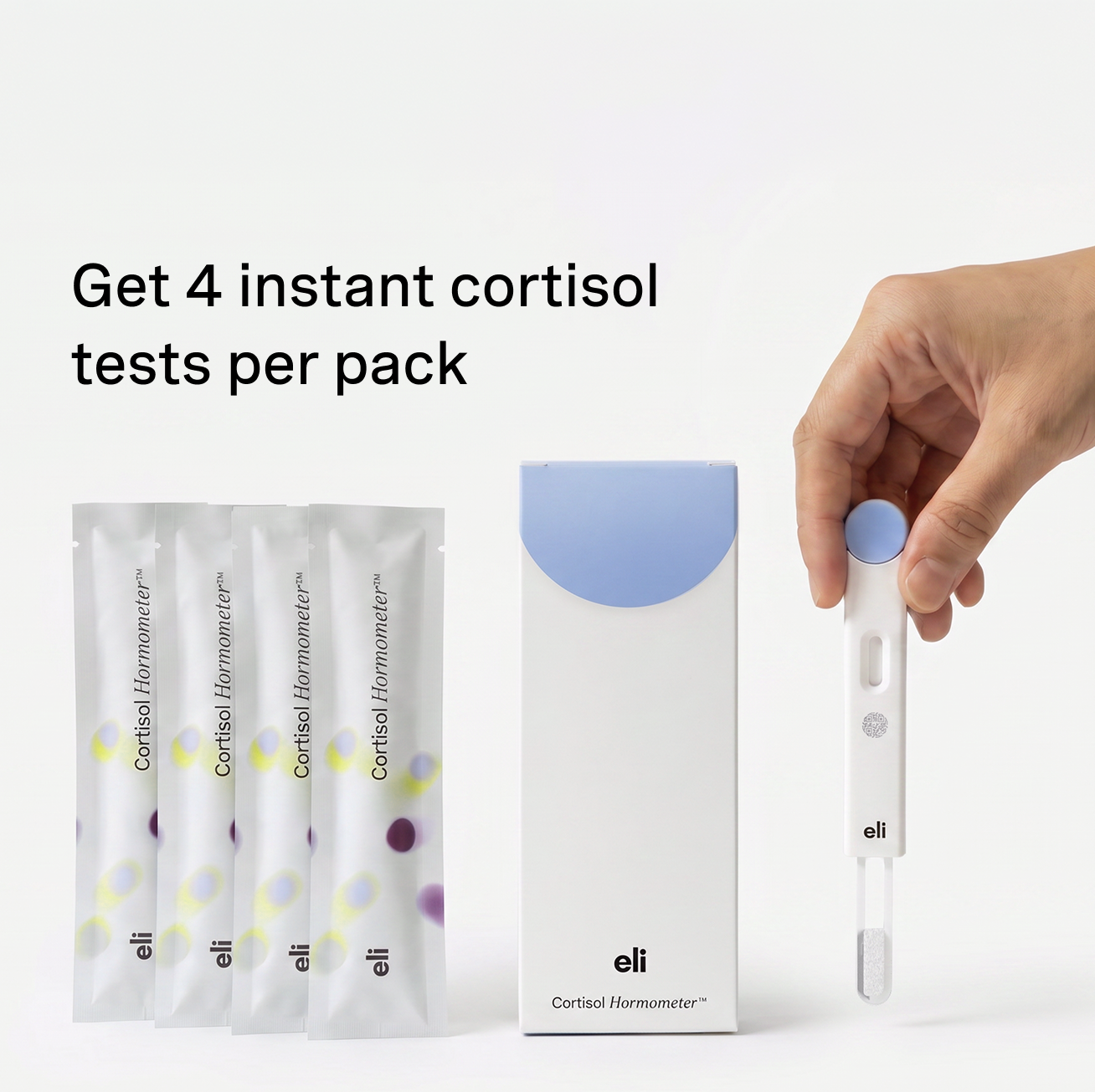
Open your Hormometer® test. You'll see the absorbent pad at the end.
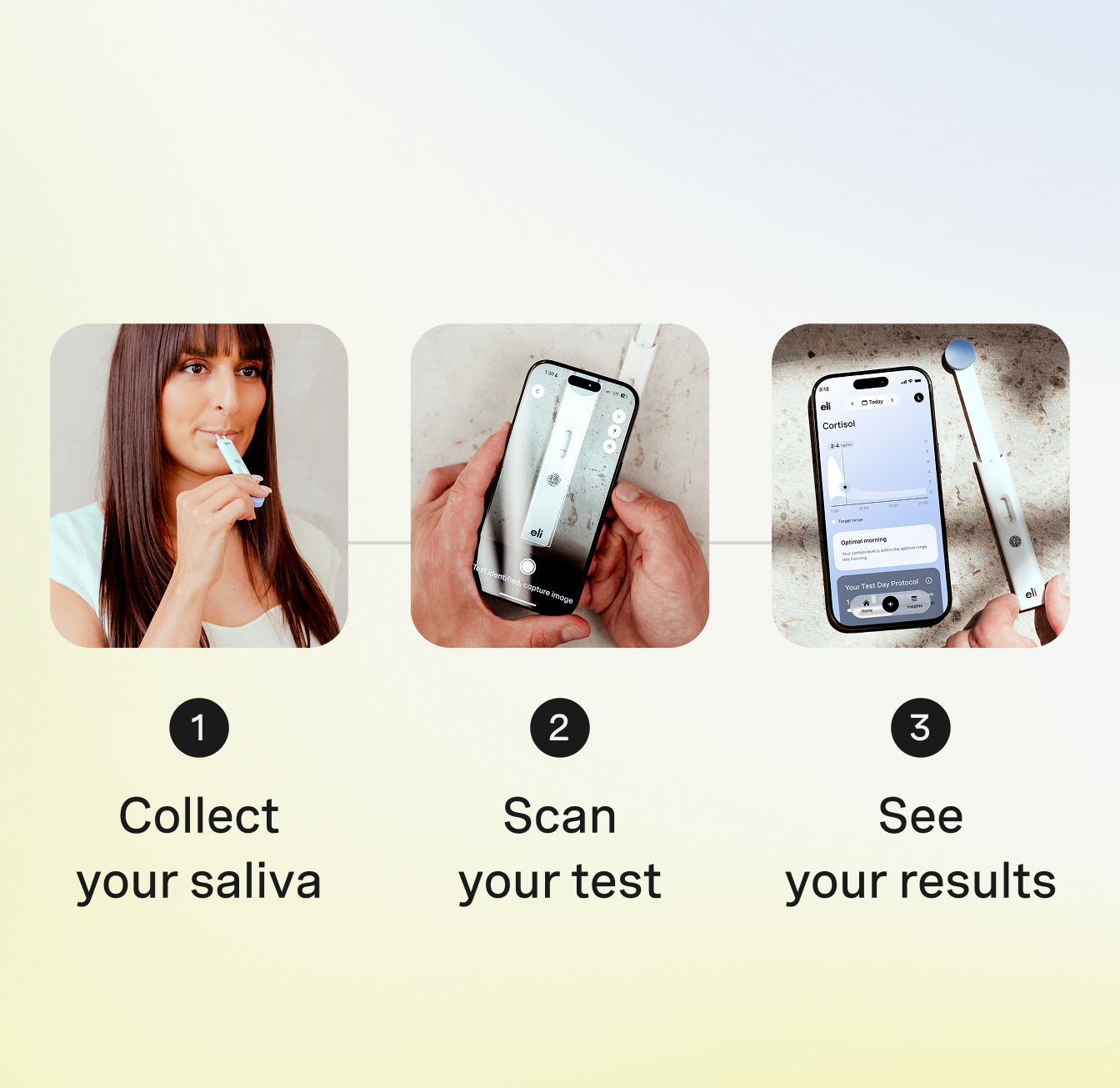
Place the pad in your mouth and let it saturate completely with saliva. Keep it there for a full 60 seconds.
Important: The pad must be fully soaked—not just damp—for the test to work.
Avoid mucus in your sample—pure saliva only.
Step 2: Activate the test
After 60 seconds, pull the handle firmly until you see the dot appear in the window. This activates the test chemistry.
Pull until the dot shows. If you don't see it, the test won't process correctly.
Place the test flat on a clean surface.
Step 3: Wait and scan (20 minutes)
Start the 20 minutes in-app timer. The test is processing.
Don't move the test. Let it sit undisturbed on a flat surface.
After 20 minutes, open the Eli app and scan your test. The app will read the results and show your cortisol level instantly.
What you'll see
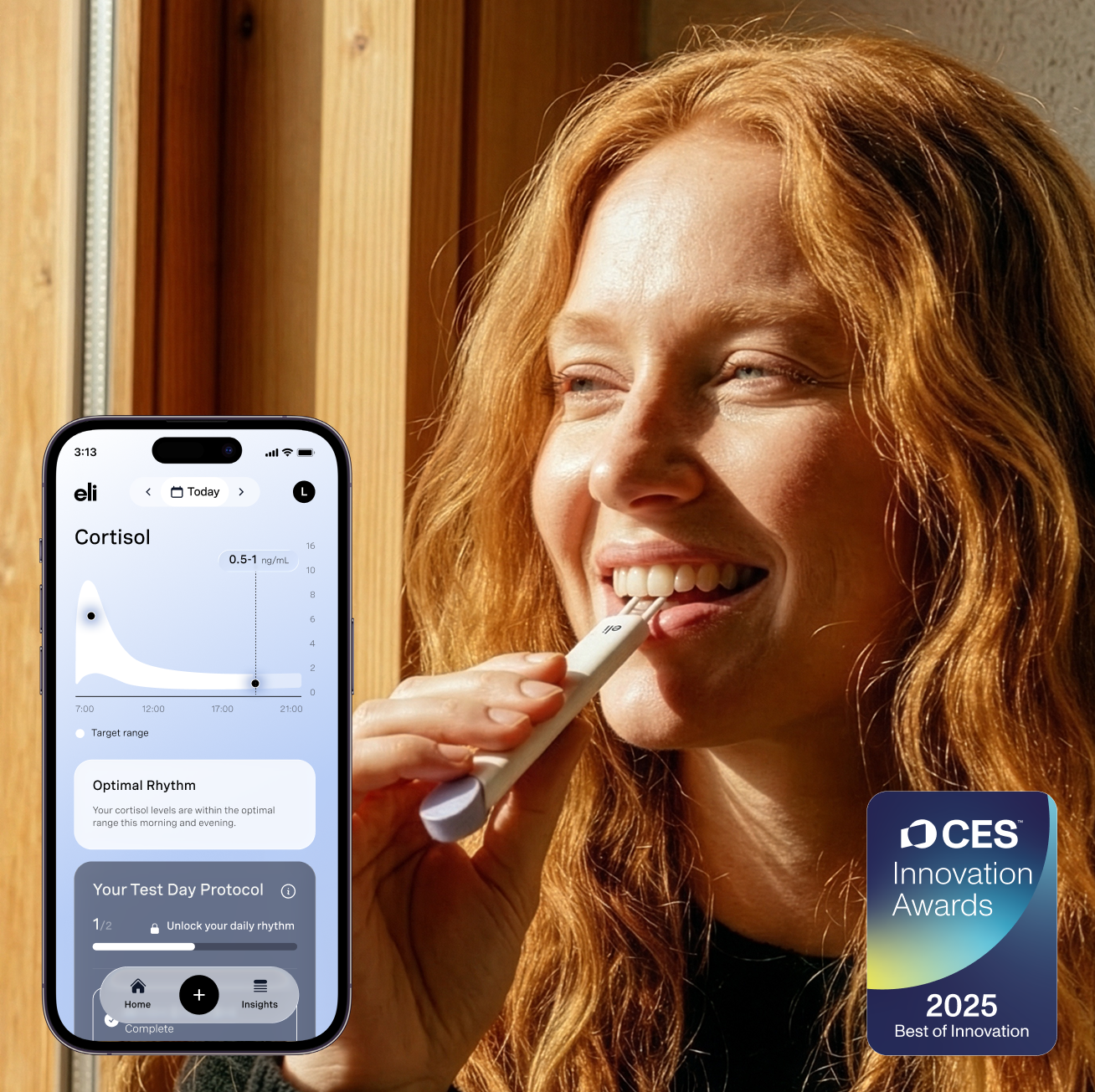
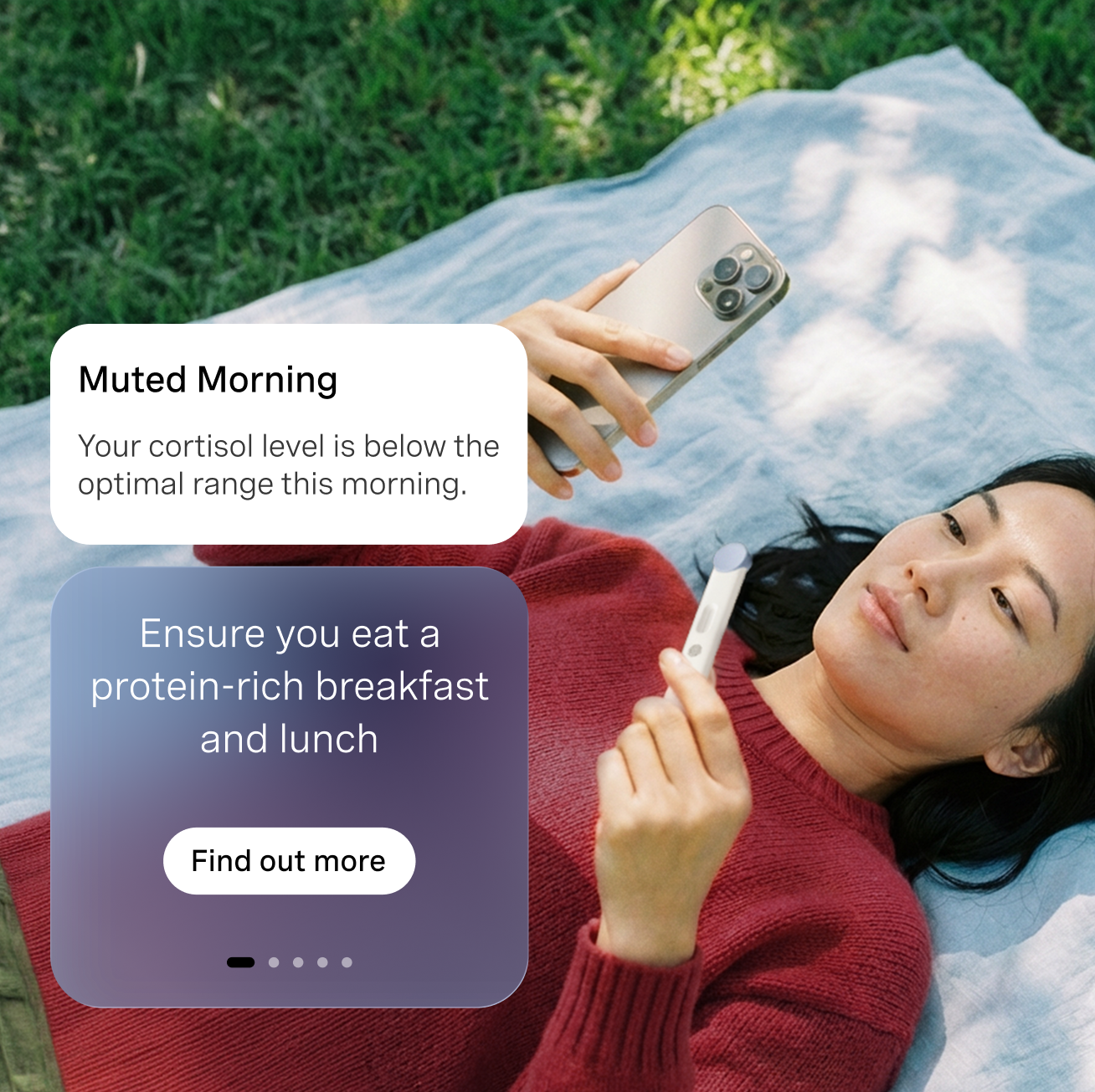
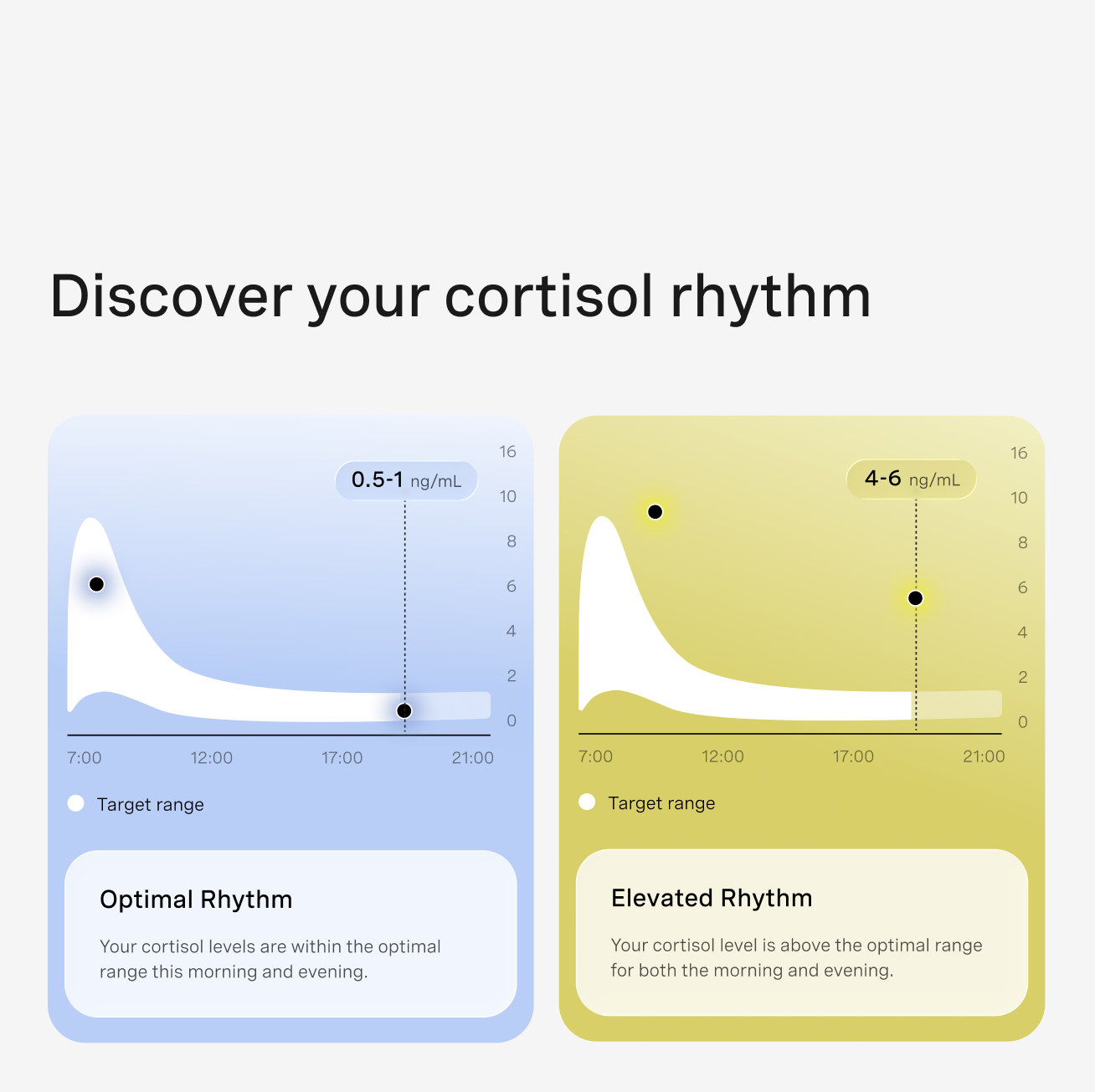
Your cortisol concentration in ng/mL, plus your daily pattern score (0-100) showing how your rhythm aligns with healthy cortisol patterns.
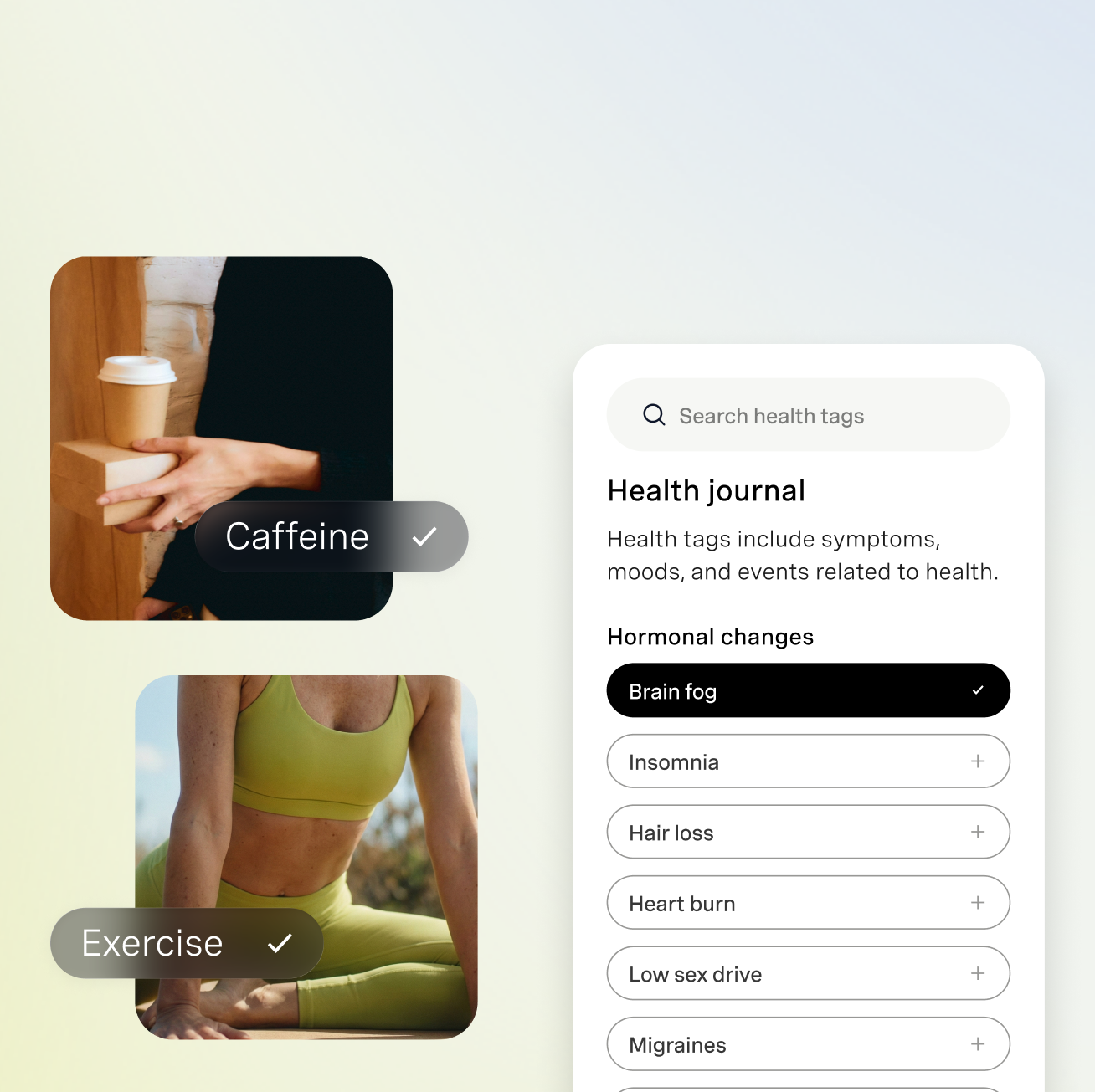
Log what you were doing before the test (coffee, workout, stress, baseline) to build context over time.
Common mistakes to avoid
❌ Not saturating the pad fully — Test will fail or give inaccurate results
❌ Not pulling until blue dot shows — Test won't activate
❌ Testing without the 30-minute window — Contaminated saliva gives false readings
Make it routine
Morning baseline: Wake → Grab a test on on your bedside table → test (before coffee/food/brushing your teeth)
Evening baseline: Last food/drink → wait 30 min → test
Set reminders in-app. Keep tests visible. The ritual becomes automatic.
Ready to test? Track your cortisol rhythm and discover what your body has been trying to tell you.